Follow this guide and your mini app will be ready in no time!
A development environment is not *needed* but is highly recommended. As of January 2nd 2026, you have two methods of publishing your mini app to NanoTap.
The first method is to write your code and share it as a zip file and upload it via the instructions below.
The second method is to have another URL of a mobile optimised version of your website.
The best code editor for beginners is Visual Studio Code. You can download it from the button below.
Download Visual Studio Code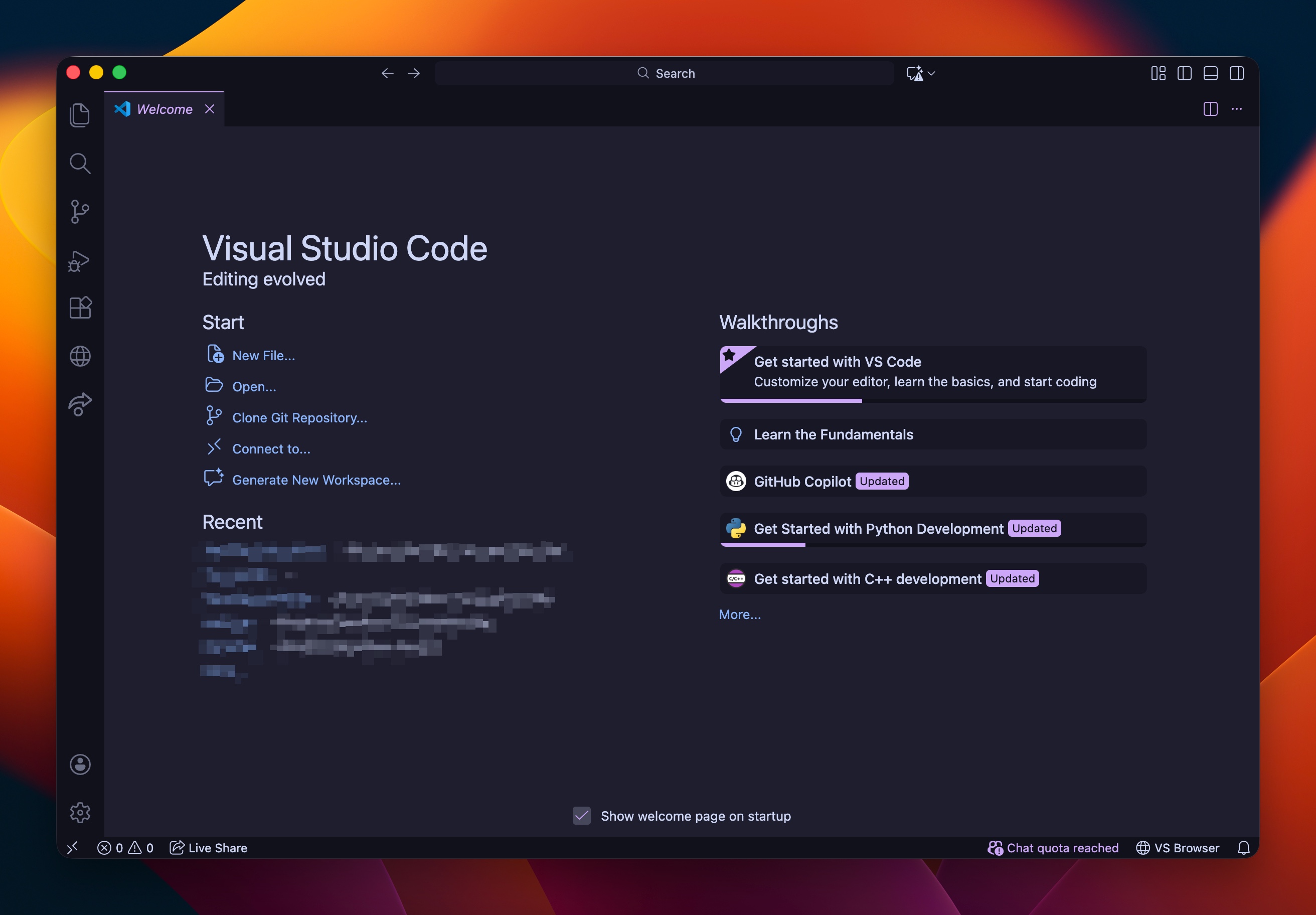
Screen recreations from Shottr
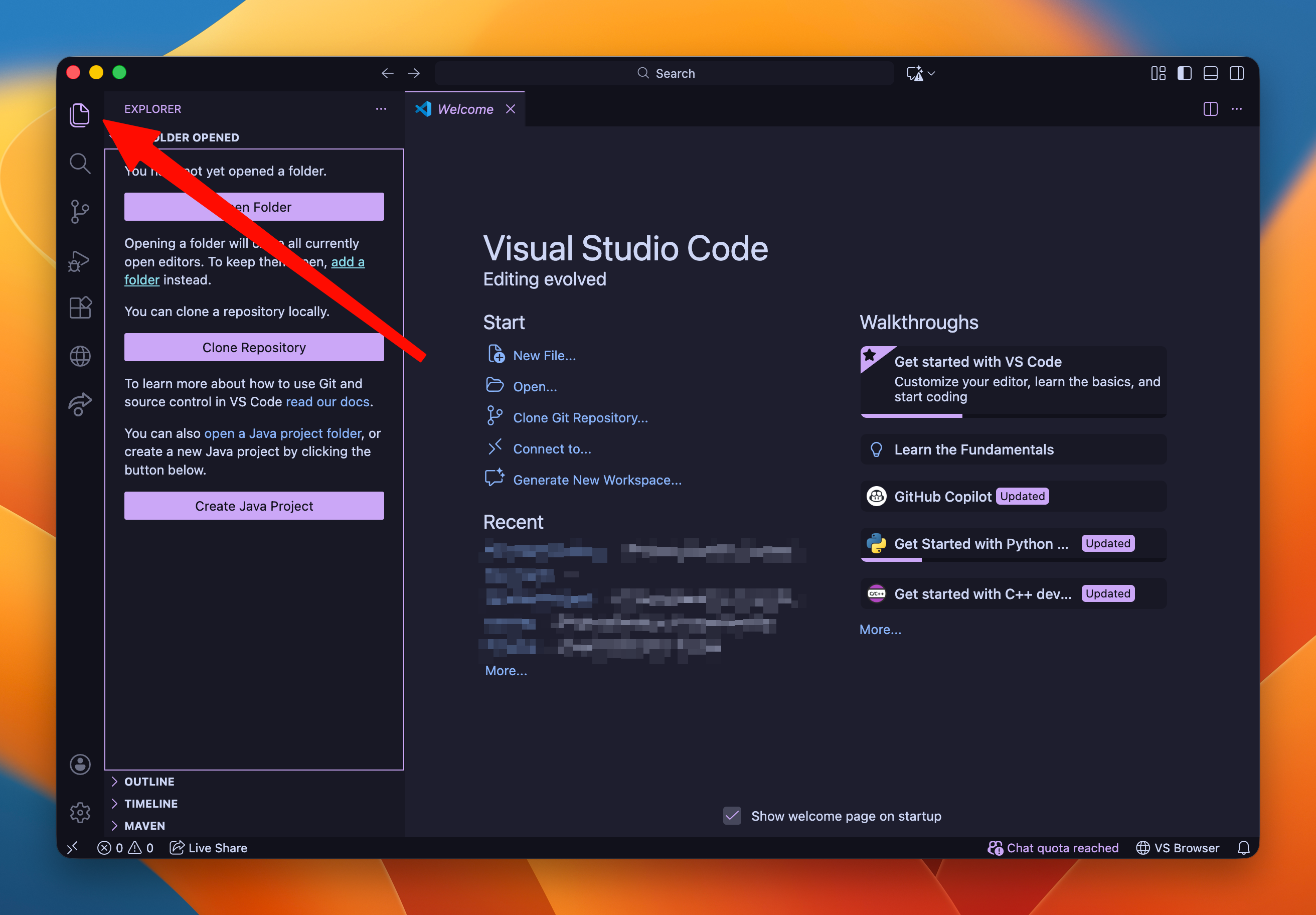
The first step is to click the file navigator icon as shown in the exhibit below.
Screen recreations from Shottr
After, click on "Open Folder" and follow the file dialog to create a folder for your Mini-App Project.
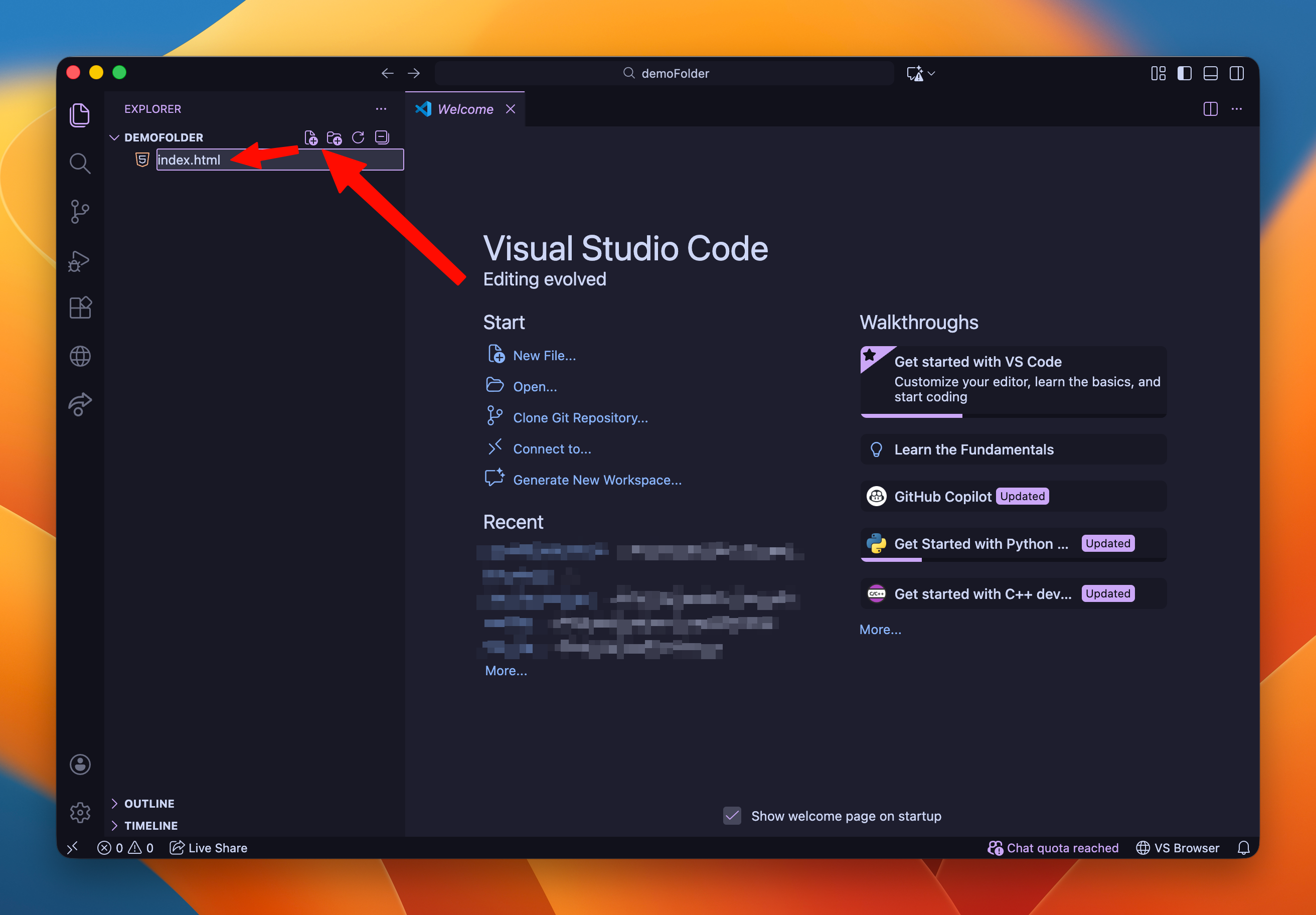
In your folder, you must create your first Mini-App, the simplest way is to use HTML
Screen recreations from Shottr
You can put the following code in index.html:
Image recreated using Carbon
Now that you have your Mini-App ready, you can publish it to NanoTap! To do so, you must zip your folder and upload it using the link below.
Uploader tool